
To improve it, I first needed a way to judge the results across many different websites. I collected results from 500 companies and used AI reviewers to identify the correct logos, distinguish icons from wordmarks—the versions with the company name—and check whether they worked on light or dark backgrounds. This produced 2,277 reviewed labels. Doing that manually would have taken many hours; AI helped turn the collection into a benchmark I could use to evaluate changes.
I then used AI to help improve a deterministic algorithm, meaning a set of explicit rules for finding and ranking logos. I tested changes against the benchmark, inspected mistakes, and checked the results on separate examples. A change that found more logos but selected more wrong brands wasn’t necessarily an improvement. The goal was fast, inexpensive lookups: use AI during development, then run the resulting rules each time. Logo selection needs no AI service call, so there’s no model response to wait for or AI reasoning charge per lookup.
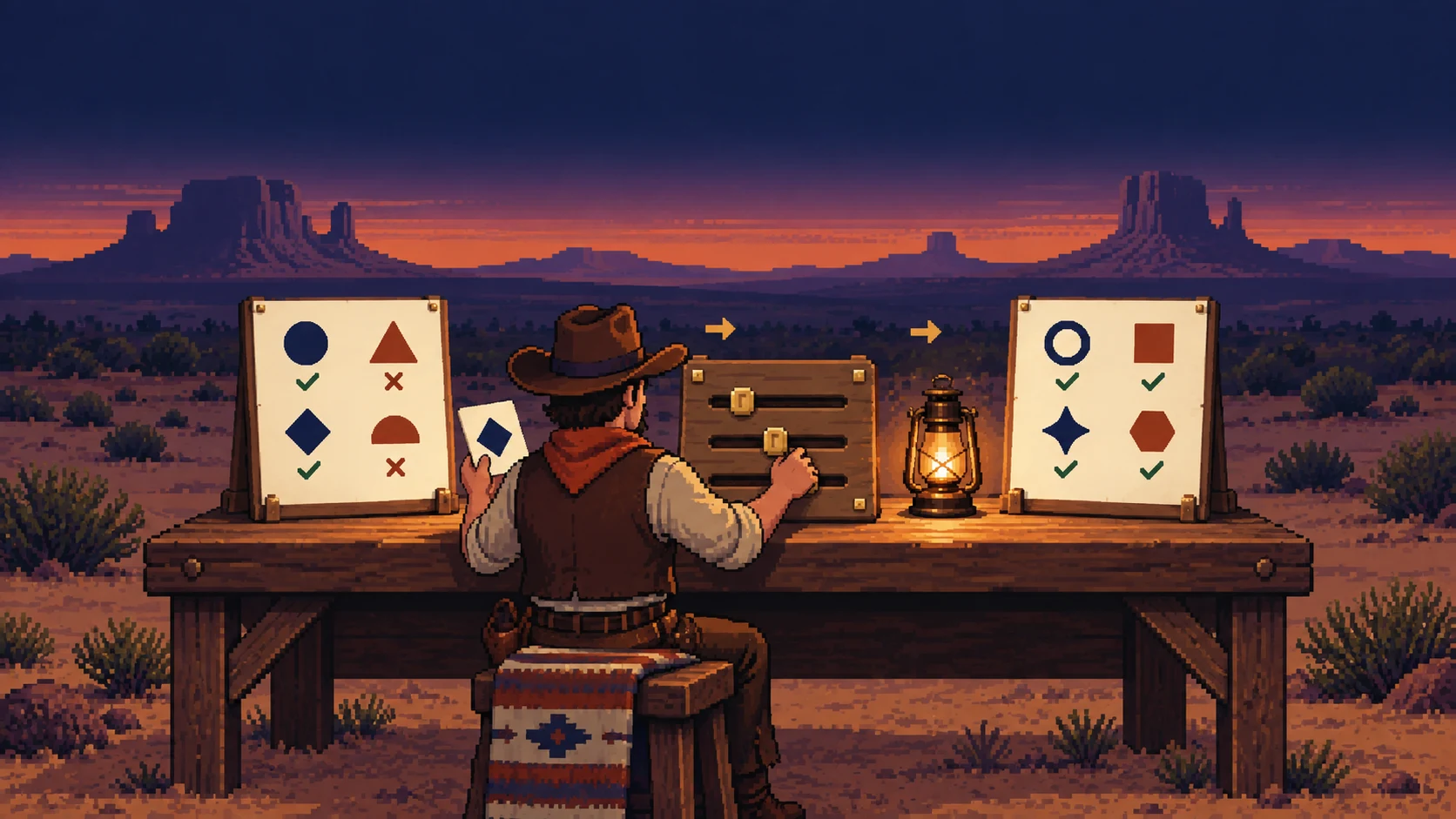
Logo Yoink checks the company’s website, validates image files, removes duplicates, and ranks candidates using clues such as page placement, shape, resolution, and company-name matches. It can open a browser or check additional sources when logos are missing. Results include separate icons and wordmarks, alternatives, and the reasons behind each choice. You can request light or dark variants, prefer transparent backgrounds, and download the files. Local use also supports optional background removal and enlargement while keeping the originals. Enlargement won’t recover missing detail.
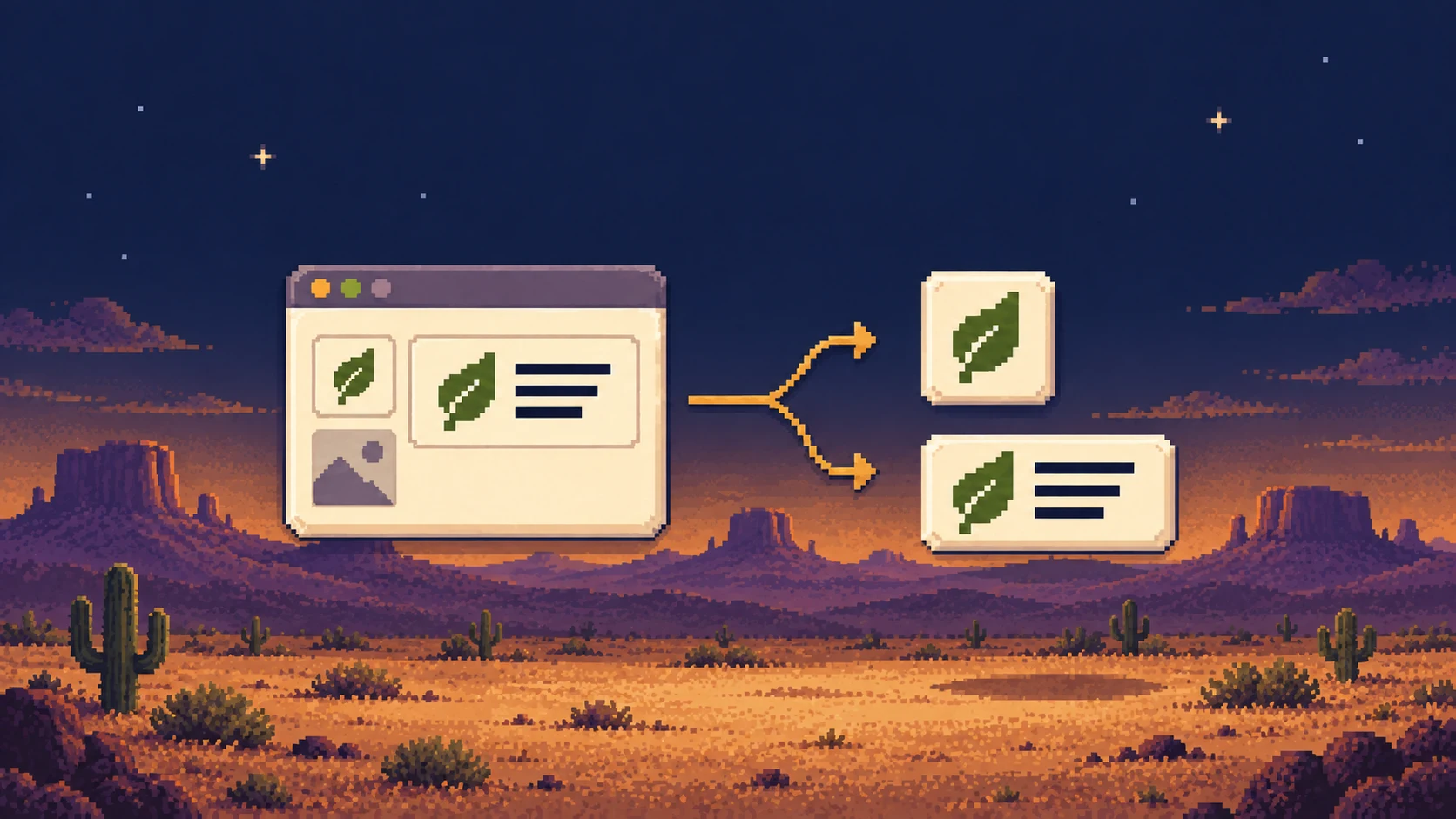
I use it in StartupSeeker, and it’s available through a website, API, and command-line tool. The project is open source under the MIT license, so you can run it yourself, change the rules, or contribute improvements. It won’t find the right logo on every site, but the benchmark gives me a repeatable way to test whether a change makes it better.